01 / THE SETUP
Install and sign in.
Download the current 64-bit Windows installer. Open it on a Windows 10 or 11 computer and follow the setup. Sign in to your FrameScope account so the application can verify your access.
Demo provides separate recurring feature allowances. Optional AI models and runtimes install separately from the desktop application.
Understand Demo and Full
02 / YOUR FIRST VIDEO
Start with footage you know.
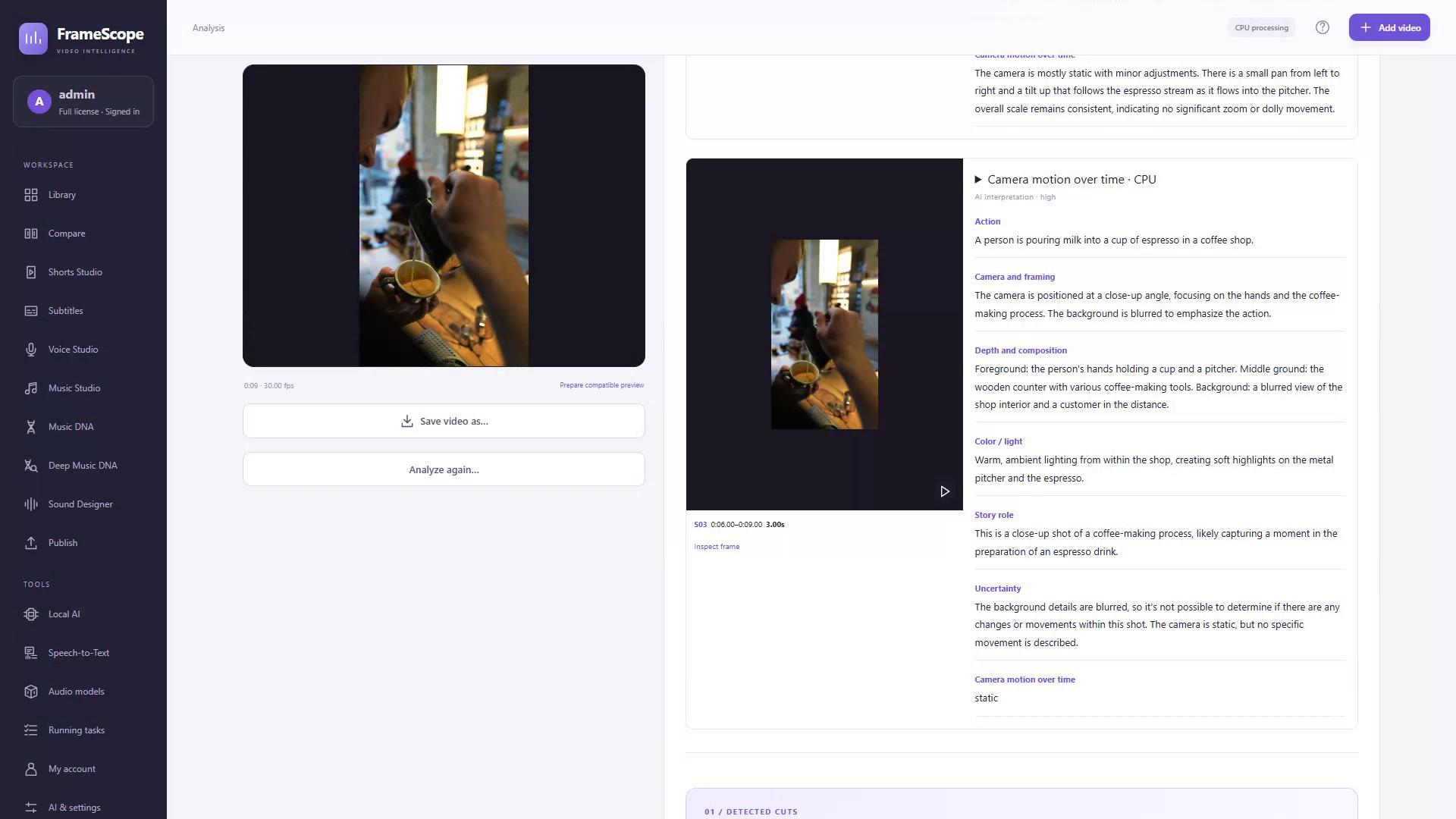
Choose a short video with a few visible changes in composition or timing. Import it into the Library and keep the original on disk.
Importing media does not spend a Demo feature allowance.
04 / LOCAL OR CONNECTED
Choose the tools for the task.
Local essentials
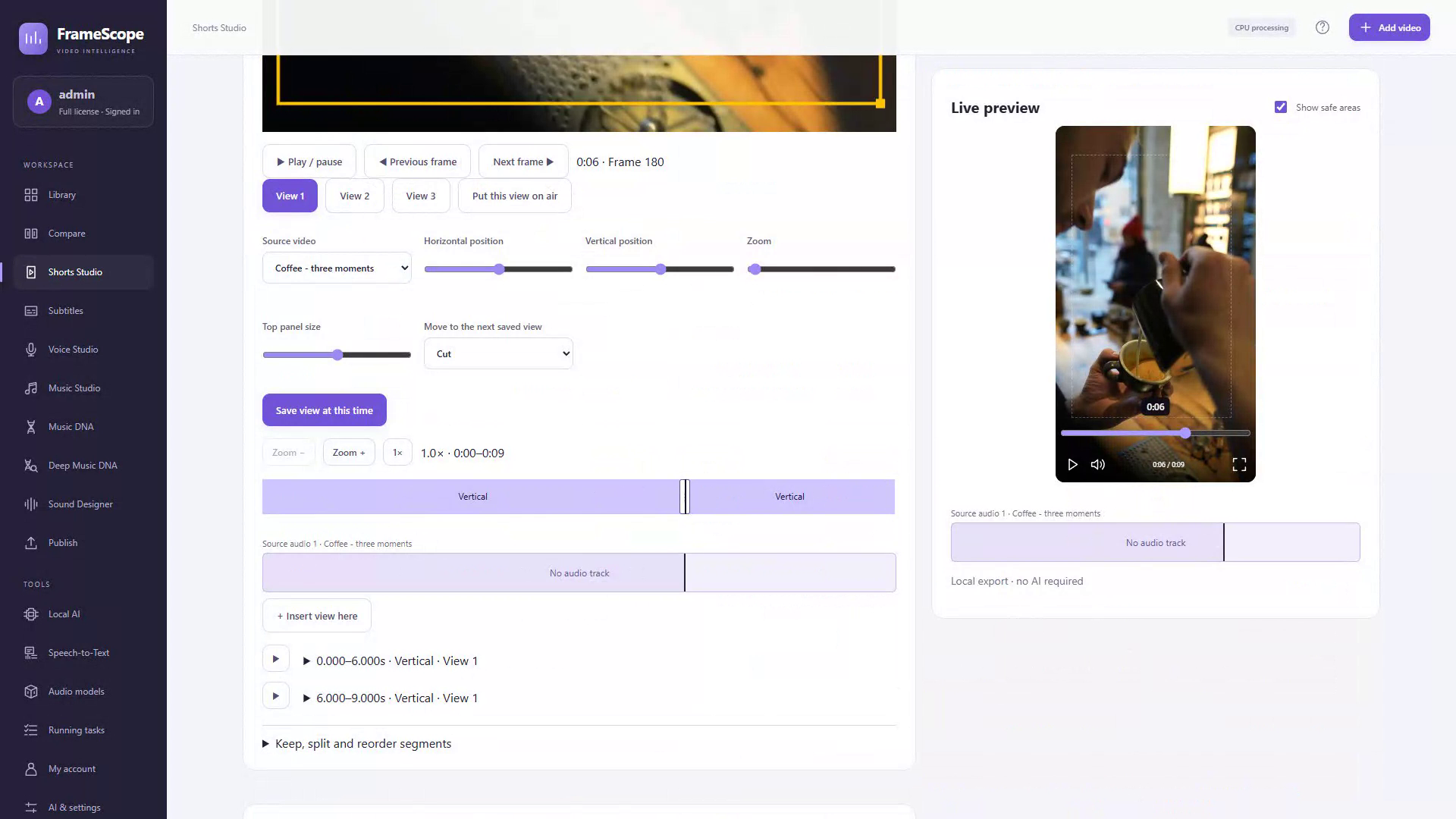
CPU measurements, Shorts editing and local export do not require an AI subscription or model download. Your local media stays on your disk unless you select an operation that transfers it.
Optional local models
Check the app's engine requirements before downloading models. Supported GPU families, drivers, memory and installation space vary. AUTO can use supported NVIDIA, AMD or Intel GPUs and may use CPU/RAM; CPU processing is slower.
Your own provider
Connect your own OpenAI, Gemini, Claude or xAI account when you choose. The selected operation sends the required material to that provider. Its pricing, terms and limits apply separately from the FrameScope license.
Hardware checks help you plan a setup; they do not guarantee that every model will run well. Review the selected engine's current requirements in the app.
05 / MAKE THE FINISH YOURS
Review, export and prepare.
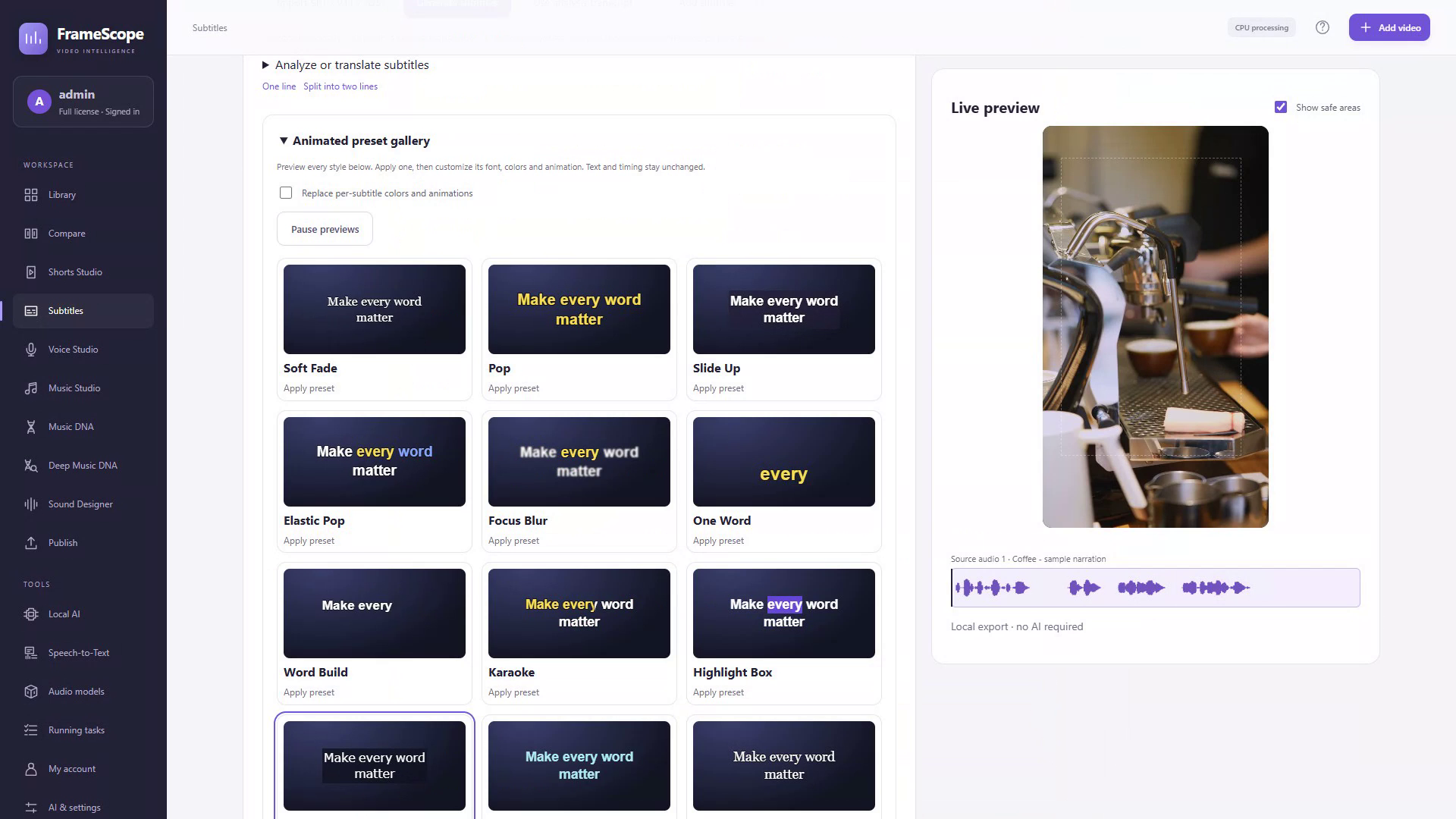
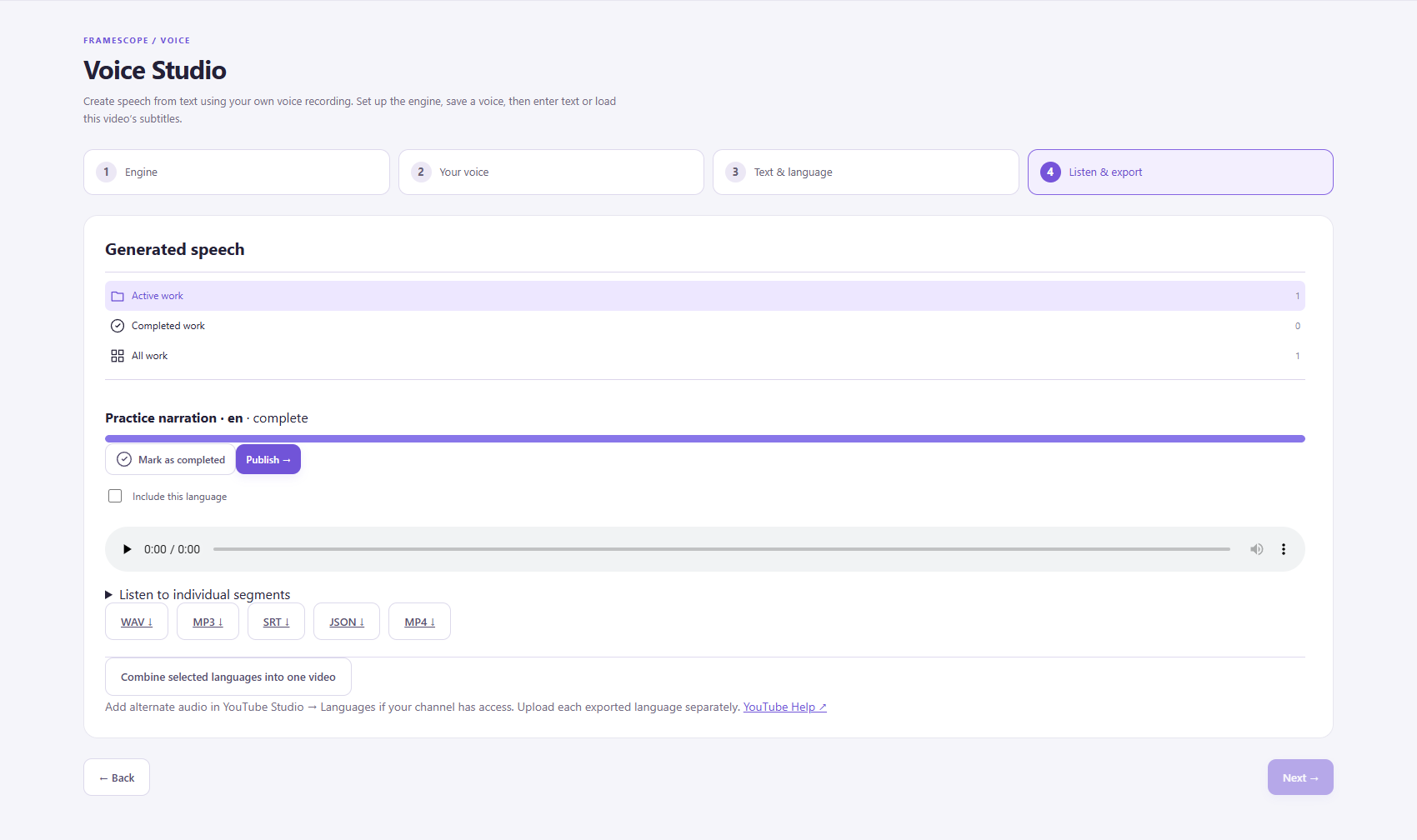
Check AI interpretations against the footage. Read the captions, listen to the voice track and watch the final composition at the intended size. Export locally, then choose the next publishing step.
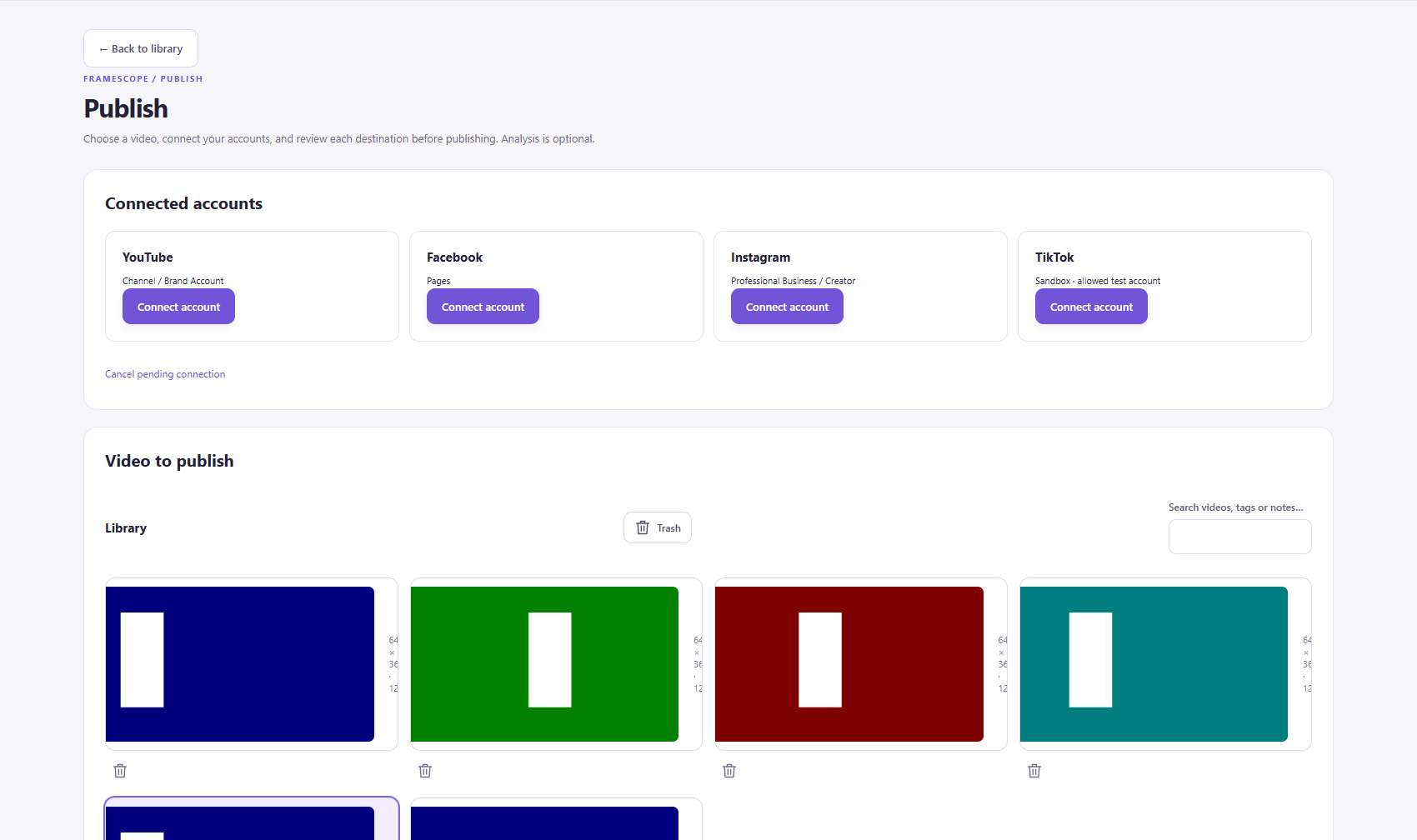
For social publishing, confirm the account, destination and visibility. Platform access and review apply. Local Meta/TikTok schedules require the app and the computer to remain running.
Need a hand?
The complete illustrated manual is included with this preview. It documents the interfaces and workflows in more depth.