PRICING & DEMO

Your creative workspace.
Without a subscription.

Start with the recurring Demo allowance. The Full license is $19.99, paid once, for one user and one computer at a time.

EXPLORE THE WORKSPACE

Start with Demo.

$0

A recurring allowance to try the workflow.
No card needed to download.

  • Separate allowances for supported features
  • 10 successful results per listed feature
  • Allowances renew every fixed 30 days
  • Import your media without spending units
Download the Windows beta

Account sign-in and internet verification apply.

Demo is a recurring allowance, not a 30-day free trial. Subtitles include 10 clean source videos plus 10 additional sources with branded Demo exports per period. See the complete Demo terms.

WHAT CHANGES WITH FULL

Know what you’re choosing.

Optional provider charges and hardware requirements apply to both Demo and Full.

IncludedDemoFull license
FrameScope price$0$19.99 one-time, before tax
Video Analysis, Compare & Shorts10 successful results per listed feature per periodDemo feature quotas removed
Voice, Music, DNA tools & Sound DesignerSeparate 10-result allowances per listed featureDemo feature quotas removed
Publishing10 successful results per periodDemo feature quotas removed
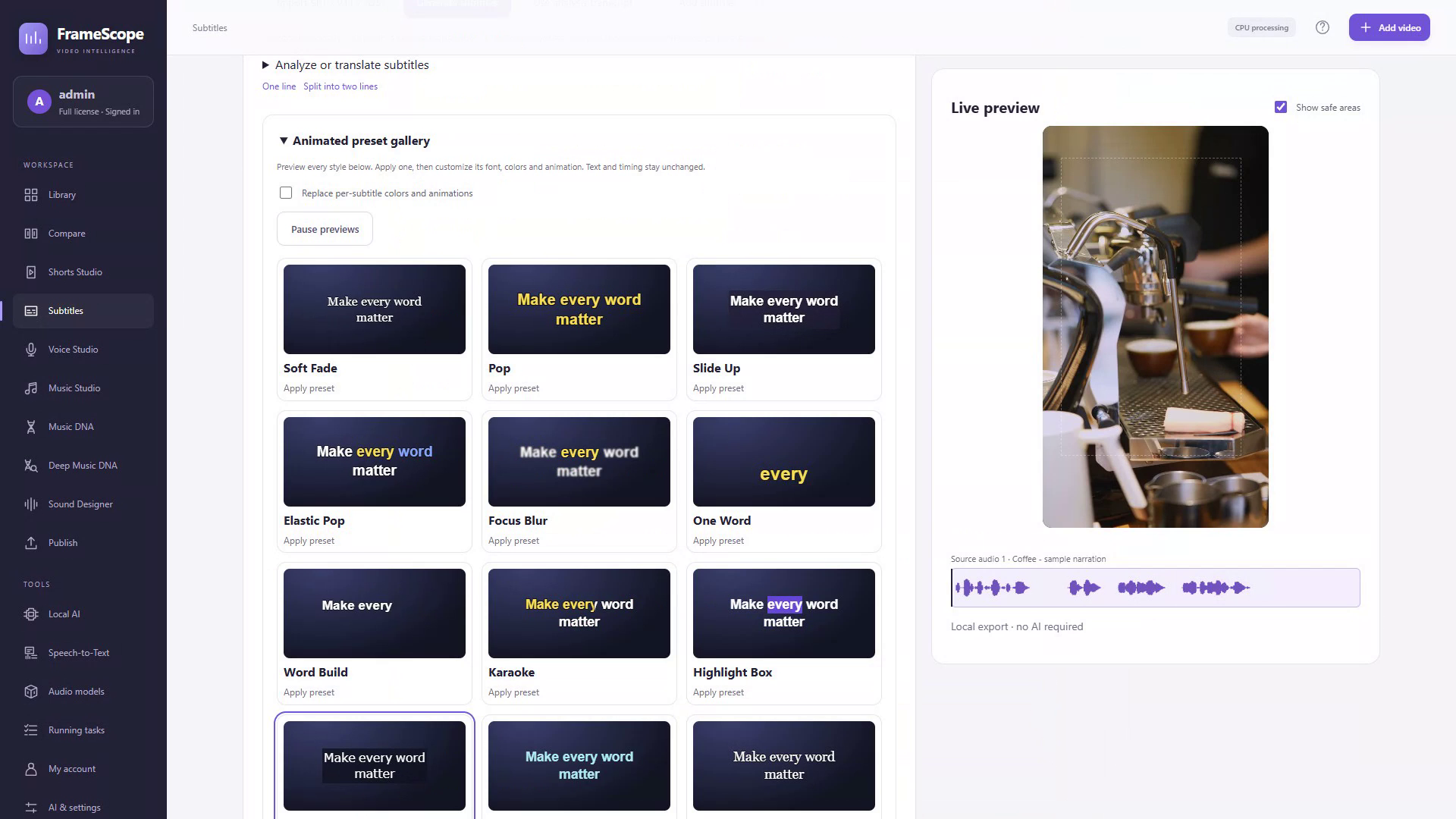
Subtitles10 clean source videos + 10 additional branded Demo sourcesDemo quotas and Demo export watermarks removed
Importing media into LibraryDoes not consume an allowanceIncluded
Optional external AIProvider fees are separateProvider fees are separate
Account & license verificationInternet requiredInternet required
Desktop useAccount-based accessOne user, one computer at a time

DEMO / 30

Try it.
Come back.
Keep exploring.

Your account has fixed 30-day periods. When a new period starts, the separate feature allowances renew.

  • Successful results count.

    A task reserves a place when it starts and spends it only on successful completion. Failed or cancelled work releases the reservation.

  • Each feature has its own allowance.

    Using one tool does not spend the separate allowance of another. The full terms define source counting and task types.

  • Subtitles have two stages.

    10 clean source videos, followed by 10 additional source videos with branded Demo exports.

  • Remote uploads need a resolved result.

    An upload with an uncertain outcome retains its reservation until it is resolved.

Read the complete Demo rules

PRICE QUESTIONS

The details, in plain view.

What is FrameScope?

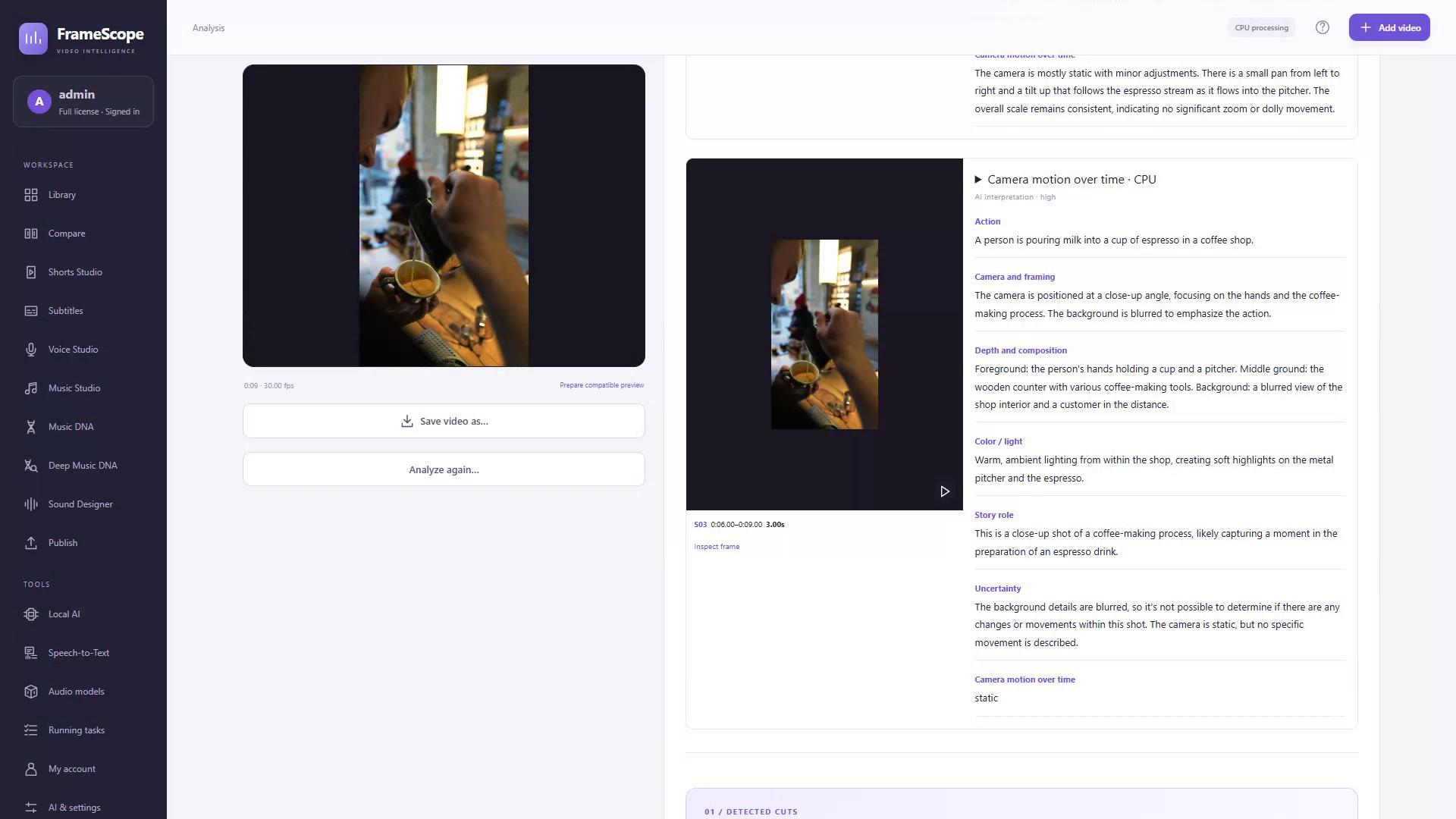
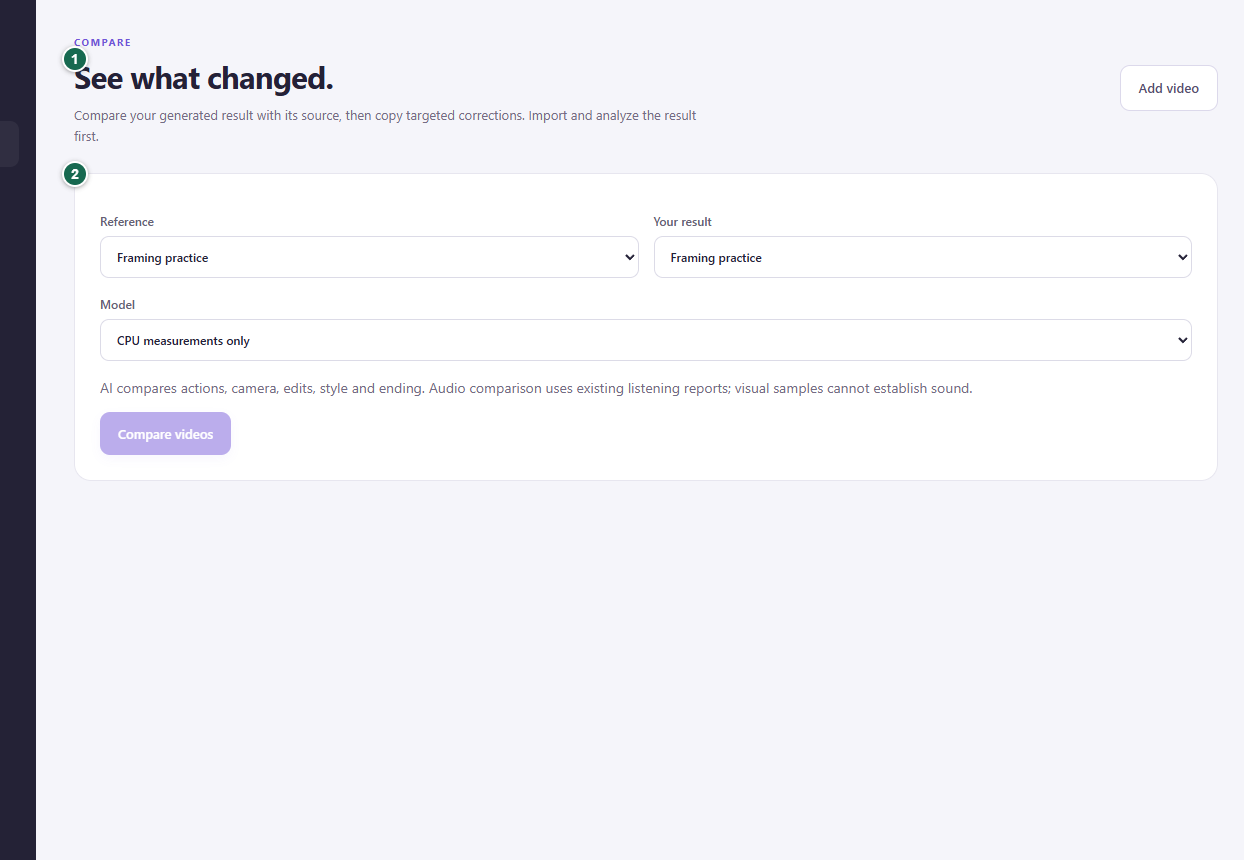
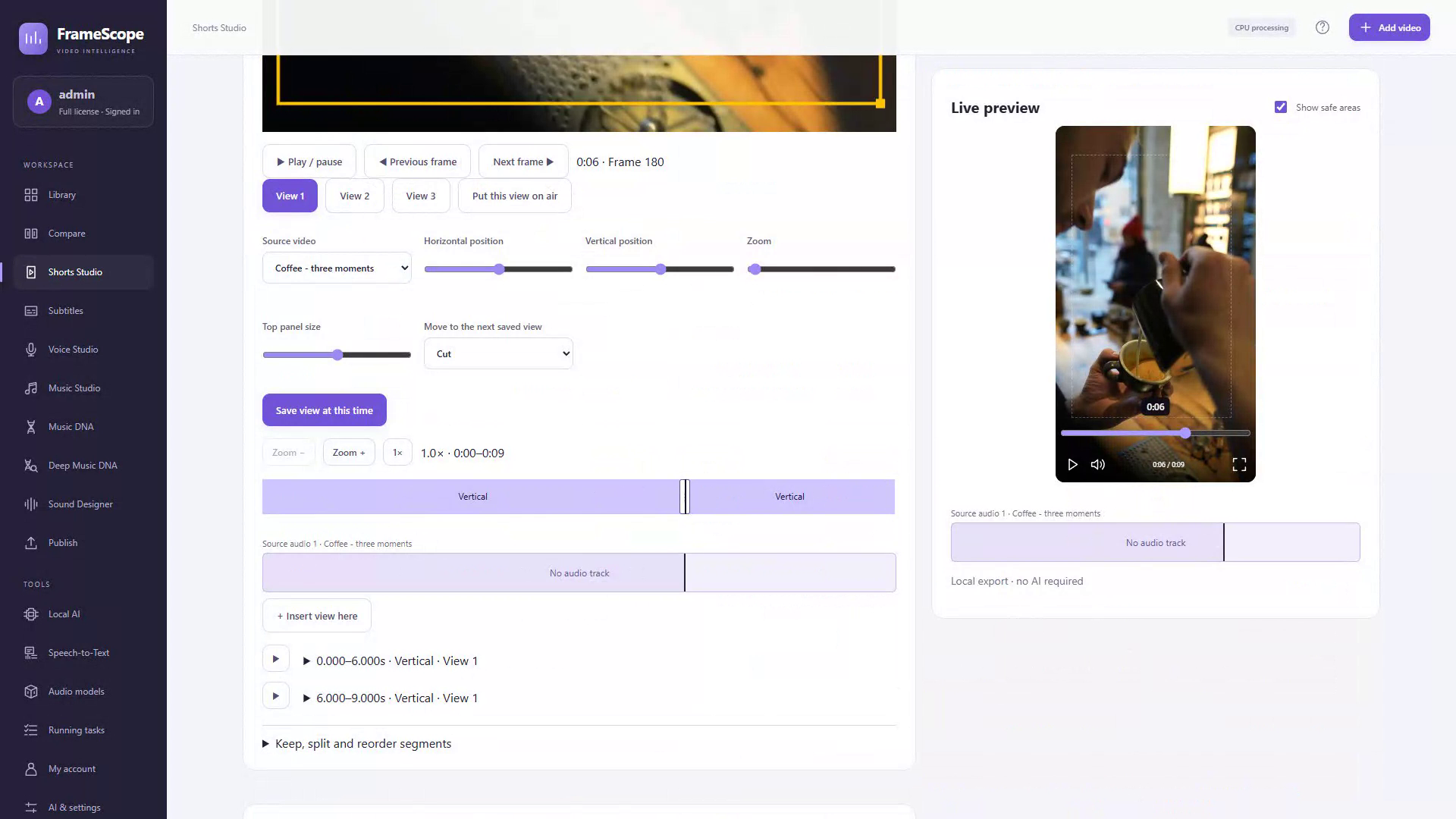
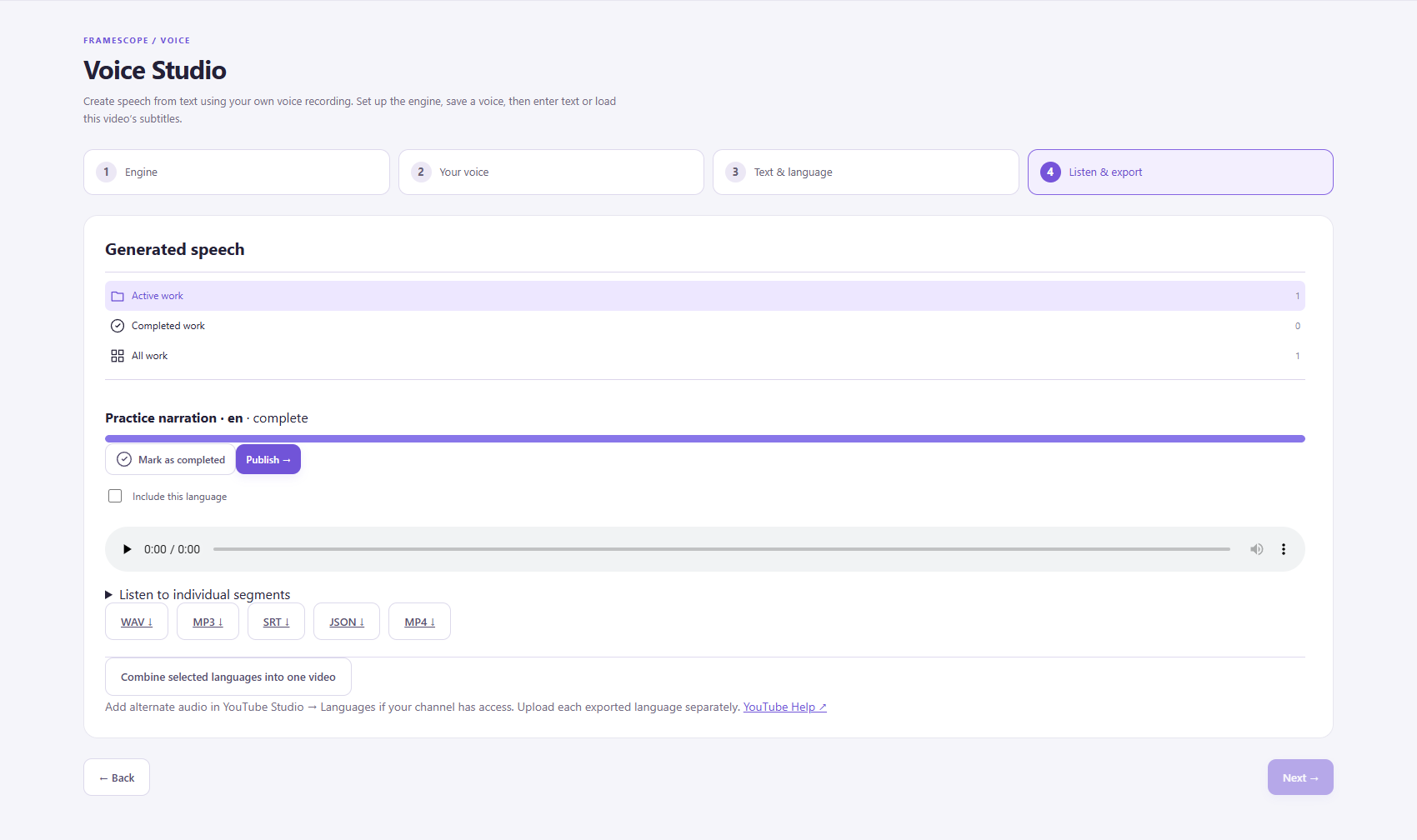
FrameScope is a Windows desktop workspace for video analysis, comparison, Shorts editing, subtitles, voice / localization and publishing preparation. Music and audio tools support that workflow.

Is Demo a 30-day free trial?

No. Demo allowances renew in fixed, account-anchored 30-day periods. Each listed feature has a separate allowance of 10 successful results. Subtitles have 10 clean source videos plus 10 additional sources with branded Demo exports. Imports do not spend these allowances.

See the complete terms for counting, reservations and renewals.

What does the $19.99 license include?

A one-time perpetual Full license for one user on one computer at a time. There is no recurring FrameScope subscription. Applicable tax is additional; optional external AI provider fees are separate.

The license does not promise unlimited cloud AI or lifetime updates. Review pricing.

Can I use FrameScope without an AI subscription?

Yes. CPU measurements, Shorts editing and local export work without an AI subscription or downloaded AI models. You can add supported local models or connect your own AI provider when you need them. Account and license verification still require internet access.

What computer do I need?

The desktop application is for 64-bit Windows 10 or 11. Local AI requirements vary by engine, model and driver. For the documented local Voice engine, allow a supported Ampere-or-newer NVIDIA GPU with at least 8 GB VRAM, 16 GB RAM and 15 GB installation space.

Read the requirements and each engine's checks before installing optional models.

Does FrameScope upload all my videos?

Signing in does not upload your local video library. Optional AI-provider tasks and social publishing send the material needed for the action you select. Provider terms and costs apply. Keep your own backups of local media.

Read the privacy policy.

Does FrameScope generate AI videos?

FrameScope can prepare a detailed video-generation prompt based on the analysis. You copy it into an external AI video generator to create the video. The video is rendered in the generator you choose.

Which publishing platforms are supported?

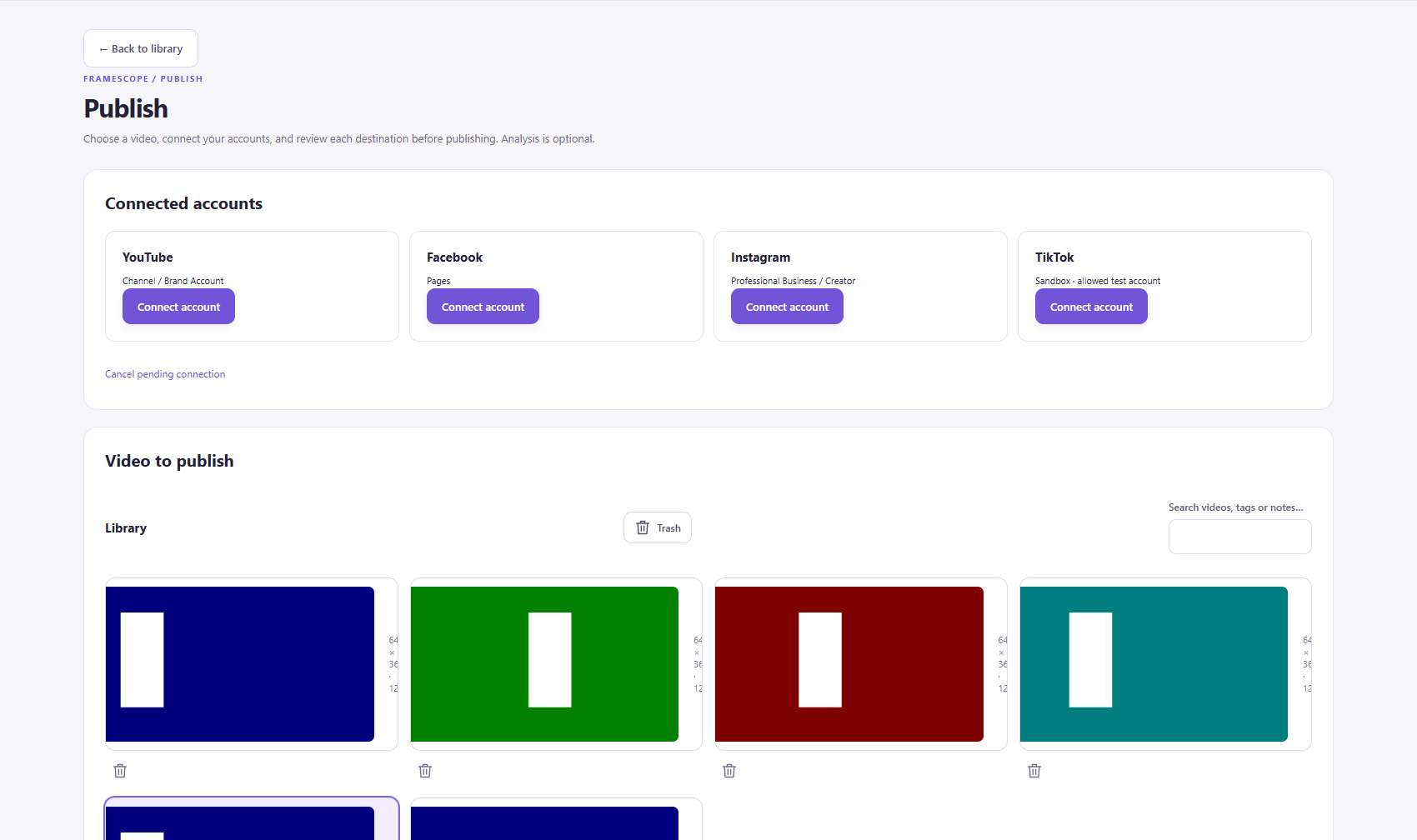
FrameScope includes YouTube publishing tools. Facebook Pages and Instagram professional accounts depend on access and platform review; TikTok is subject to tester or sandbox access. Connections require your consent. Local Meta/TikTok schedules require FrameScope and the computer to remain running.

Check the publishing details before planning a release.

Are the screenshots and videos real?

Yes. The product captures come from FrameScope's official website and the supplied brand book or public manual. They show genuine interfaces using demo or practice media. The caption-style and framing explorers are labeled interactive website examples.

Can I translate or create a voice track in any language?

Language availability depends on the engine you select. Review your transcript and the generated speech before export. The currently documented local Voice engine does not support Georgian speech. See the app and manual for the supported languages.

Where can I get help or request a refund?

Use the contact page for support and the refund policy for eligibility and request details. Privacy and deletion requests do not require a paid license.

YOUR NEXT VIDEO STARTS HERE

Give your next idea
a better way to happen.

Understand the reference. Make the cut. Find the words.
Bring it all together in FrameScope.

Download the Windows beta
Windows 10 / 11 · Start with Demo · Full license $19.99 one-time